

Struggling with a wall of text can feel like climbing a mountain without a map.
For many of us with dyslexia, the digital world has often felt like an obstacle course rather than a resource.
Artificial Intelligence is changing the landscape of assistive technology faster than ever before. It is no longer just about basic spell-check; it is about creating a personalized cognitive bridge.
AI addresses dyslexia by automating decoding, fixing complex phonological errors, and organizing thoughts. You can learn more about how AI assistive technology for dyslexia transforms writing to see these benefits in action.
These tools translate the way your brain works into a format the world understands.
My goal today is to show you how to use the best AI tools for dyslexia to reclaim your time. We will move past simple definitions to provide actionable workflows that build genuine confidence.
KEY TAKEAWAYS
- High-quality text-to-speech tools drastically reduce reading fatigue and mental exhaustion.
- Modern writing assistants now focus on tone and structural logic, not just spelling.
- Combining visual mind-mapping with AI transcription creates a multi-modal learning environment.
- Using a “tool stack” approach allows you to automate the most frustrating parts of your day.
WHAT ARE THE BEST AI TOOLS FOR DYSLEXIA?
The best ai tools for dyslexia include Speechify for natural-sounding reading, Grammarly for contextual writing support, and Otter.ai for real-time transcription. These tools use neural networks to bridge gaps in decoding, spelling, and organization, allowing neurodivergent users to process information through audio and visual formats effectively.
UNDERSTANDING THE ROLE OF AI IN DYSLEXIA SUPPORT
FROM BASIC SPELLCHECK TO GENERATIVE AI
Traditional spell-checkers often fail dyslexic users because they cannot predict what we are trying to say.
Generative AI understands context, meaning it can fix a sentence even if the spelling is 50 percent wrong.
BREAKING THE BARRIER OF THE BLANK PAGE
Starting a project is often the hardest part for the neurodivergent brain.
AI tools act as a collaborative partner, helping you brainstorm and outline before you ever have to write a full sentence.
BEST AI TOOLS FOR READING AND COMPREHENSION
SPEECHIFY: THE POWER OF NATURAL-SOUNDING TEXT-TO-SPEECH (TTS)
Speechify is widely considered one of the best ai tools for dyslexia because of its high-quality voices. For a deeper look at similar software, check out our guide on AI reading tools for dyslexia.
Listening to a natural voice prevents the “robotic fatigue” that comes with older accessibility software.
NATURALREADER: CONVERTING PDFS AND PHYSICAL BOOKS TO AUDIO
I use NaturalReader specifically for heavy documents and school materials.
It excels at handling complex PDF layouts and converting them into MP3 files for listening on the go.
MICROSOFT IMMERSIVE READER: ENHANCING FOCUS AND VISUAL DECODING
This is a free tool built into many apps that changes how text looks on the screen.
You can increase word spacing, highlight parts of speech, and use a “line focus” to prevent your eyes from jumping.
SUMMARIZATION TOOLS: USING CHATGPT TO SIMPLIFY COMPLEX DOCUMENTS
Sometimes the “dyslexic tax” is the extra time it takes to find the main point of a long email.
I often paste long articles into ChatGPT and ask it to “Summarize this into five bullet points for a 5th-grade reading level.”
PRO-TIP 1: USE OCR TO SNAP AND LISTEN
Don’t let physical menus or signs slow you down. Use the Microsoft Lens app on your phone. Simply snap a photo of any text, and the AI will instantly read it aloud to you using Immersive Reader technology.
TOP AI WRITING AND GRAMMAR ASSISTANTS FOR DYSLEXIC USERS
GRAMMARLY: MOVING BEYOND TYPOS TO CONTEXTUAL CLARITY
Grammarly is essential because it understands the intent behind your writing.
It catches homophone errors (like “there” vs “their”) that our brains often overlook during proofreading. Using AI writing tools for homeschool can further help bridge the gap between ideas and the written word.
PROWRITINGAID: IN-DEPTH FEEDBACK FOR LONG-FORM WRITING
If you are writing a book or a long report, ProWritingAid provides “sticky sentence” reports.
It helps you identify where your writing is too wordy, making your message clearer to the reader.
GOBLIN.TOOLS (THE FORMALIZER): ADJUSTING TONE FOR PROFESSIONAL EMAILS
This is a hidden gem in the neurodivergent community.
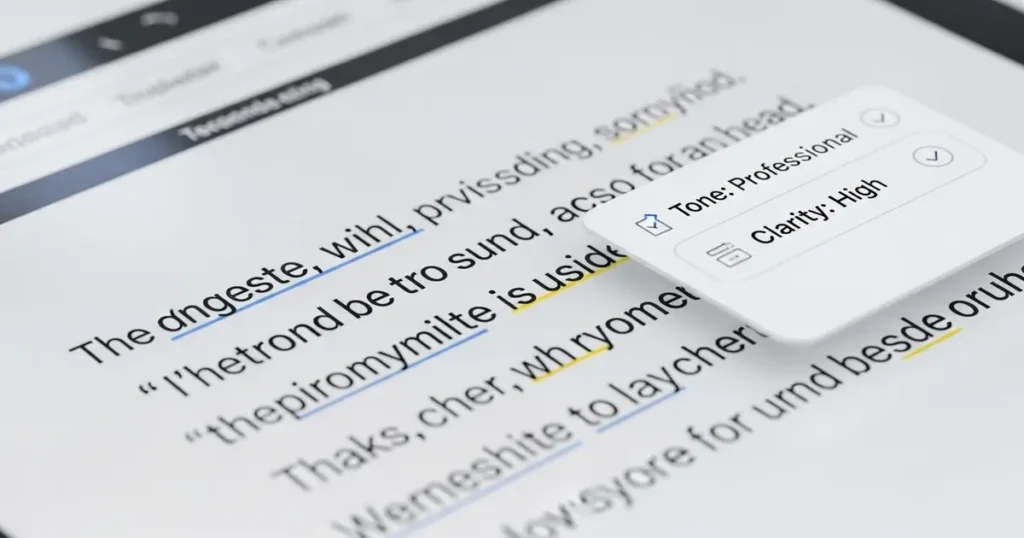
You can type a “brain dump” of your thoughts, and the AI will “formalize” it into a polite, professional email.
QUILLBOT: PARAPHRASING TO FIND THE RIGHT WORDS
Sometimes you know what you want to say, but the words feel “stuck.”
Quillbot allows you to paste a clunky sentence and provides five different ways to rewrite it for better flow.
AI-POWERED ORGANIZATION AND NOTE-TAKNG
OTTER.AI: REAL-TIME TRANSCRIPTION FOR LECTURES AND MEETINGS
Otter.ai is a lifesaver for anyone who struggles to listen and write at the same time.
It records audio and creates a live transcript, allowing you to focus entirely on the conversation.
GLEAN: COMBINING AUDIO RECORDINGS WITH VISUAL SLIDES
Glean is designed for students. It links your audio notes directly to the PowerPoint slides being shown.
This creates a multi-sensory study guide that is much easier to navigate than pages of handwritten notes.
MICROSOFT LENS: THE VISUAL NOTE-TAKER
As mentioned, this tool turns images into readable text. It is vital for organizing physical handouts into a digital, searchable format.
MINDMEISTER: USING AI TO GENERATE VISUAL MIND MAPS FROM TEXT
Many dyslexic individuals are visual thinkers.
MindMeister now uses AI to turn a single topic or a block of text into a full visual map, helping you see how ideas connect.
PRO-TIP 2: THE REVERSE PROMPTING TECHNIQUE
Standard spell-checkers miss things. I recommend copying your finished writing into an AI like Claude or ChatGPT. Ask: “Read this back to me and identify any words that sound the same but have the wrong spelling.”
This catches the “invisible” errors that traditional tools skip.
DATA COMPARISON TABLE: TOP AI TOOLS FOR DYSLEXIA AT A GLANCE
| TOOL NAME | PRIMARY FUNCTION | PLATFORM | PRICE RANGE |
|---|---|---|---|
| Speechify | Reading (TTS) | Web, iOS, Android, Chrome | Free to Premium |
| Grammarly | Writing Support | Web, Desktop, Mobile | Free to Premium |
| Otter.ai | Transcription | Web, iOS, Android | Free to Premium |
| Goblin.tools | Tone Adjusting | Web, iOS, Android | Free (Web) / Low Cost |
| Microsoft Lens | OCR / Scanning | iOS, Android | Free |
| Glean | Audio Note-taking | Web, Mobile | Subscription |
SIMPLE TIPS FOR INTEGRATING AI INTO YOUR DAILY ROUTINE
CREATING A TOOL STACK THAT WORKS FOR YOU
You don’t need every tool; you need a “stack.”
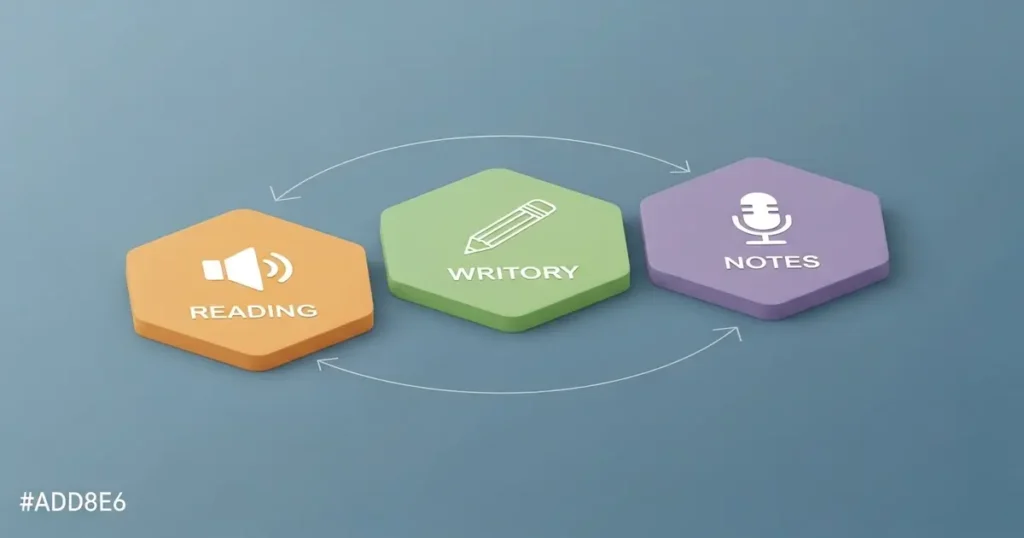
A simple stack could be Otter.ai for meetings, Grammarly for emails, and Speechify for reading reports.
TEACHING KIDS HOW TO USE AI ETHICALLY IN SCHOOL
AI should be treated as a ramp for a wheelchair, not a way to “cheat.” For parents teaching at home, finding the best AI for homeschooling dyslexic kids is key to building these skills early.
Encourage students to use AI to help them outline their own original thoughts, rather than writing the whole essay.
MANAGING AI OVERLOAD AND FINDING USER-FRIENDLY INTERFACES
If a tool feels too complicated, don’t use it.
The best ai tools for dyslexia are the ones that disappear into the background and make your life easier, not harder.
STEP-BY-STEP GUIDE: BUILDING YOUR AI WORKFLOW
- Identify your biggest “friction point” (e.g., writing emails or reading long articles).
- Choose one tool from the list above that addresses that specific problem.
- Commit to using that tool for 15 minutes every day for one week.
- Set up “browser extensions” so the tool is always ready when you open your computer.
- Once comfortable, add a second tool to support a different task.
FREQUENTLY ASKED QUESTIONS (FAQ)
WHAT IS THE BEST AI TOOL FOR DYSLEXIA FOR FREE?
Microsoft Immersive Reader is the best free tool. It is built into Word, OneNote, and the Edge browser. It provides text-to-speech, syllable breaking, and visual focus tools at no cost.
CAN AI TOOLS BE USED DURING EXAMS OR IN THE CLASSROOM?
This depends on the school’s “Individualized Education Program” (IEP) or 504 plan. Many schools now allow Speechify or Otter.ai as “assistive technology” accommodations for students with documented dyslexia. You can find more resources in our guide on AI tools for special needs homeschooling.
HOW DO AI WRITING ASSISTANTS DIFFER FROM TRADITIONAL SPELL-CHECKERS?
Traditional spell-checkers look for misspelled words in a dictionary. AI writing assistants look at the context of the whole sentence to fix grammar, tone, and confusing word choices.
IS MY DATA SAFE WHEN USING AI ACCESSIBILITY TOOLS?
Most reputable companies like Grammarly and Microsoft have strict privacy policies. However, always avoid pasting sensitive personal information (like passwords or social security numbers) into any AI tool.
HOW DO I AVOID BECOMING TOO DEPENDENT ON AI?
Think of AI as a bicycle for your brain. It helps you get where you are going faster, but you are still the one steering. Use it to bridge the gap so you can focus on your high-level ideas.
CONCLUSION
The landscape of the “best ai tools for dyslexia” is evolving every single day.
What used to take hours of frustrating labor can now be handled in minutes with the right support.
I encourage you to experiment with one or two of these tools this week.
You might find that your “learning disability” is simply a different way of processing that the world is finally catching up to.
AI is the great equalizer for the neurodivergent community.
It allows our creativity and problem-solving skills to shine without being held back by phonics or formatting.
Ready to transform your workflow? Start by downloading a text-to-speech extension today and experience the relief of “hearing” your reading list instead of struggling through it. Share this guide with a friend or colleague who could use a digital boost!