
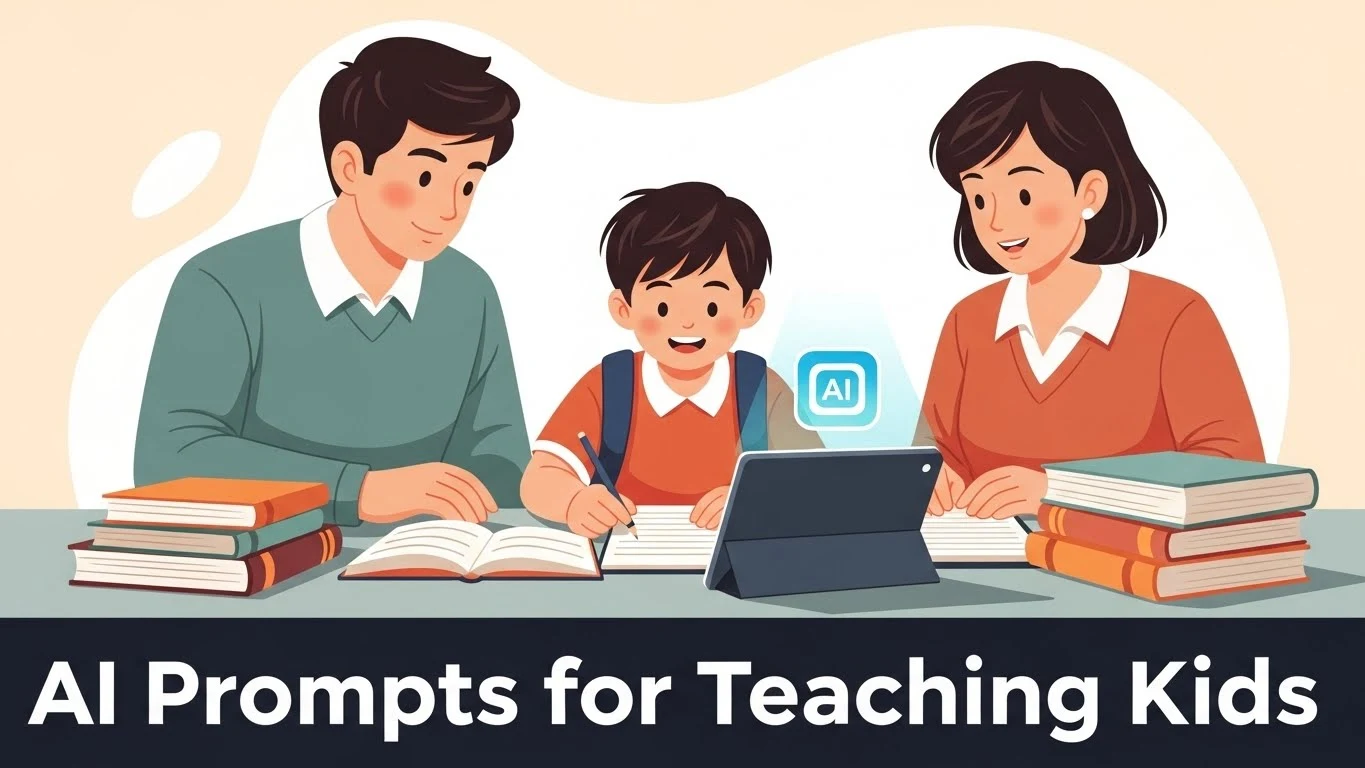
How to Use AI Prompts to Teach Children Without Cheating
Last night, my child looked up from their math homework and said:
“I don’t get this… again.”
No tantrum. Just quiet frustration.
If you’re a parent or teacher, you’ve seen that look.
The one that says, “I want to learn, but I’m stuck.”
That’s where AI prompts for teaching children change everything.
Not by giving answers.
But by explaining, guiding, and building confidence.
In this guide, I’ll show you exact AI prompts you can use for:
- Math
- Reading
- Writing
- Science
- Social studies
All designed for kids aged 6–10.
And yes — safe, ethical, and learning-focused.
🤖 What Are AI Prompts? (Kid-Friendly Explanation)
An AI prompt is how you ask the AI for help.
Think of it like this:
- A bad question → confusing answer
- A good question → helpful explanation
For example:
❌ “Solve this math problem.”
✅ “Explain this math problem step by step like I’m 8 years old.”
That one sentence makes all the difference.
Tools like ChatGPT or Google Gemini don’t teach by default.
Your prompt teaches the AI how to teach your child.
➕ AI Prompts for Teaching Math (Ages 6–10)
Example Prompts
Prompt 1:
“Explain 3-digit addition step by step using apples or toys.”
Prompt 2:
“Help my 7-year-old understand fractions using pizza slices.”
Prompt 3:
“Ask my child questions to help them solve this problem instead of giving the answer.”
✅ Why This Works
- Visual explanations
- Real-world examples
- Encourages thinking, not copying
🔑 Key Takeaway:
AI becomes a patient tutor, not a shortcut.
📖 AI Prompts for Reading & Comprehension
Prompt Examples:
- “Summarize this story in simple words for an 8-year-old.”
- “Ask my child 5 fun questions about this story.”
- “Explain the meaning of this paragraph like a friendly teacher.”
💡 Pro Tip:
Ask the AI to ask your child questions — this boosts understanding.
✍️ AI Prompts for Writing & Grammar
Prompt Examples:
- “Help my child improve this sentence without rewriting it.”
- “Explain what a noun is using cartoon examples.”
- “Give writing ideas for a short story about a lost puppy.”
🎯 Focus = learning how to write, not replacing writing.
🔬 AI Prompts for Science & Curiosity
Prompt Examples:
- “Explain the water cycle using a simple story.”
- “Why do magnets stick? Explain for a 6-year-old.”
- “Ask my child curiosity questions about plants.”
This turns “Why?” into a learning superpower.
🌍 AI Prompts for Social Studies & History
Prompt Examples:
- “Tell a short story about ancient people for kids.”
- “Explain why we have rules in society.”
- “Help my child understand maps using simple directions.”
👨👩👧 How Parents Can Use AI at Home
- Sit with your child
- Read prompts aloud
- Ask follow-up questions
- Encourage curiosity
📌 Rule of Thumb:
If AI replaces your child’s thinking → stop.
If AI supports their thinking → perfect.
👩🏫 How Teachers Can Use AI in Class
- Create explanation prompts
- Generate practice questions
- Simplify complex concepts
- Support different learning speeds
AI helps teachers teach, not teach for them.
🧠 Teach Kids to Write Their Own AI Prompts
This is powerful.
Teach them this formula:
“Explain + Topic + Age + Example”
Example:
“Explain evaporation for a 9-year-old using rain.”
That’s AI literacy.
⚠️ Common Mistakes to Avoid
- Letting AI give final answers
- Using adult-level explanations
- Leaving kids unsupervised
- Treating AI like Google
❓ FAQs (People Also Ask)
Q: Are AI prompts safe for children?
Yes, with adult guidance and learning-focused prompts.
Q: Is this cheating?
No — if AI explains instead of answers.
Q: At what age should kids use AI?
6+ with supervision.
Q: Can AI replace teachers?
Never. It supports, not replaces.
🎯 Conclusion: AI Is a Tutor, Not a Shortcut
AI prompts for teaching children work best when they:
- Explain slowly
- Encourage thinking
- Spark curiosity
- Build confidence
Used right, AI becomes:
✅ A calm tutor
✅ A learning partner
✅ A confidence booster
Not a cheat tool.
Why AI Prompts Work Better Than Giving Children Direct Answers
When a child asks “What is the answer?”, the instinct for most parents is to explain it directly. AI changes this dynamic for the better. The most effective AI tools for children — like Khanmigo by Khan Academy — are specifically designed to ask guiding questions rather than deliver answers. This is called the Socratic method, and research consistently shows it produces deeper and more lasting understanding than direct instruction alone.
The key is knowing which prompts to give the AI so it teaches rather than answers. Here is exactly how to do that.
The Best AI Prompts for Teaching Children by Subject
Math Prompts That Teach, Not Tell
Instead of asking the AI for an answer, prompt it to guide your child through the process:
- “My child is struggling with long division. Don’t give the answer. Ask them one guiding question at a time to help them figure it out.”
- “Create 5 practice problems for adding fractions with different denominators. After each answer, tell my child if they are right and explain any mistakes.”
- “Explain place value to a 3rd grader using only simple words and one example. Then ask them a question to check if they understood.”
For daily adaptive math practice, StarSpark AI does this automatically — it adjusts difficulty based on your child’s responses and always explains mistakes rather than just marking them wrong.
Try StarSpark AI — Adaptive Math for Home Learners
Reading and Writing Prompts
- “Read this paragraph my child wrote and give feedback on one thing they did well and one thing to improve. Do not rewrite it for them.”
- “Give my 4th grader three story starter ideas based on their interest in animals. Let them choose one and continue the story themselves.”
- “Ask my child five comprehension questions about the chapter they just read. Give hints if they are stuck but do not reveal answers.”
Science and Social Studies Prompts
- “Explain how volcanoes form to a curious 5th grader. Use an analogy they would relate to. Then ask them to explain it back to you in their own words.”
- “Create a Socratic discussion about the causes of World War I for a 9th grader. Ask one question at a time and respond to their answers.”
- “My child just studied the water cycle. Create a short quiz with 5 questions that test understanding, not just memorization.”
How to Set Up ChatGPT for Safe, Educational Child Use
Before your child uses ChatGPT independently, set the context with a system-level instruction at the start of each session. Type this before your child begins:
“You are a patient, encouraging teacher for a [grade level] student. Never give direct answers to academic questions. Instead, ask guiding questions, offer hints, and praise effort. Keep all language simple and age-appropriate. If the student asks you to just give the answer, remind them that figuring it out themselves will help them remember it better.”
This single instruction transforms ChatGPT from an answer machine into a genuine teaching assistant. You can adjust it for any grade level or subject.
3 Rules to Prevent AI Cheating in Your Homeschool
- Never let your child use AI without a specific learning goal first. Before the session starts, the child states what they are trying to learn — not just what question they want answered.
- Always ask for explanation, not just the answer. After any AI interaction, your child should be able to explain the concept in their own words to you. If they cannot, they used it as a shortcut, not a tool.
- Review the conversation log. ChatGPT and most AI tools keep a full conversation history. A quick 2-minute review tells you whether your child was learning or copying.
The Best AI Tool for Teaching Without Cheating Risk
Khanmigo by Khan Academy is the strongest option if cheating prevention is your primary concern. It is specifically programmed to never give direct answers — only guiding questions. You cannot configure it out of this mode. For parents who want a tool they can hand to their child with confidence that it will teach rather than do the work for them, Khanmigo is the right choice. It is free for US families.
For adaptive math practice that also explains rather than answers, StarSpark AI is a strong paid alternative with a free trial available.
Try StarSpark AI Free — No Direct Answers, Just Learning
Related: 7 clever ways to use ChatGPT for homeschooling and our guide to the best AI tools for homeschool parents.
Views: 0